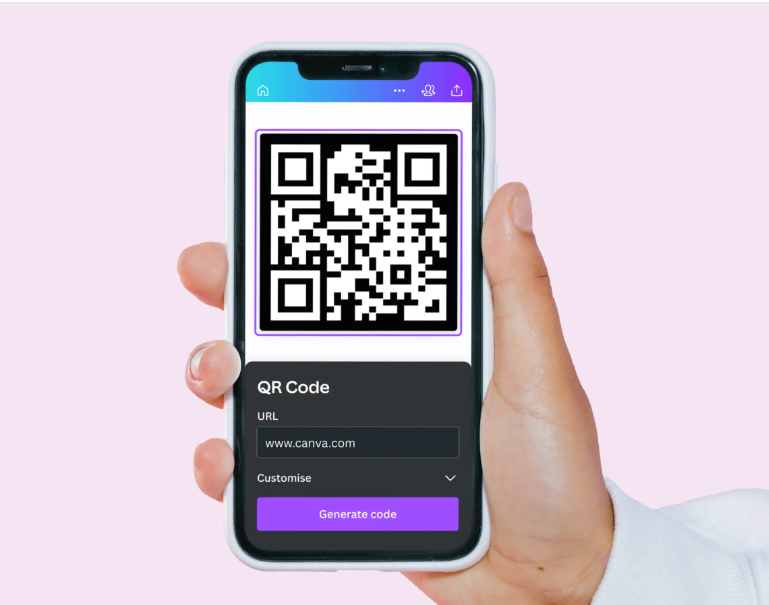
Benefits of Using an Online QR Code Generator
QR codes have become an essential part of modern digital communication. They allow users to quickly access websites, payment links, contact details, and other information by simply scanning a code with their smartphone. An online QR code generator makes it easy to create these codes instantly without any technical knowledge.
This tool helps you generate high-quality QR codes directly in your browser without the need to install any software. It is ideal for businesses, marketers, students, and anyone who wants to share information quickly and efficiently.
Key Advantages
- Instantly converts links and text into scannable QR codes
- Useful for payments, websites, Wi-Fi sharing, and contact details
- No signup or software installation required
- Easy to download and print for offline use
- Works on all devices including mobile and desktop
Where QR Codes Are Used
QR codes are widely used in restaurants, retail stores, business cards, event tickets, marketing campaigns, and product packaging. They help businesses connect offline audiences to online content quickly and efficiently, making them a powerful tool for digital engagement.
Need to create branded images for QR promotions? Try our
image watermark tool.
Want smaller QR graphics for websites and emails? Use our
image compressor tool.